
PROCESS
1
Upload JSON
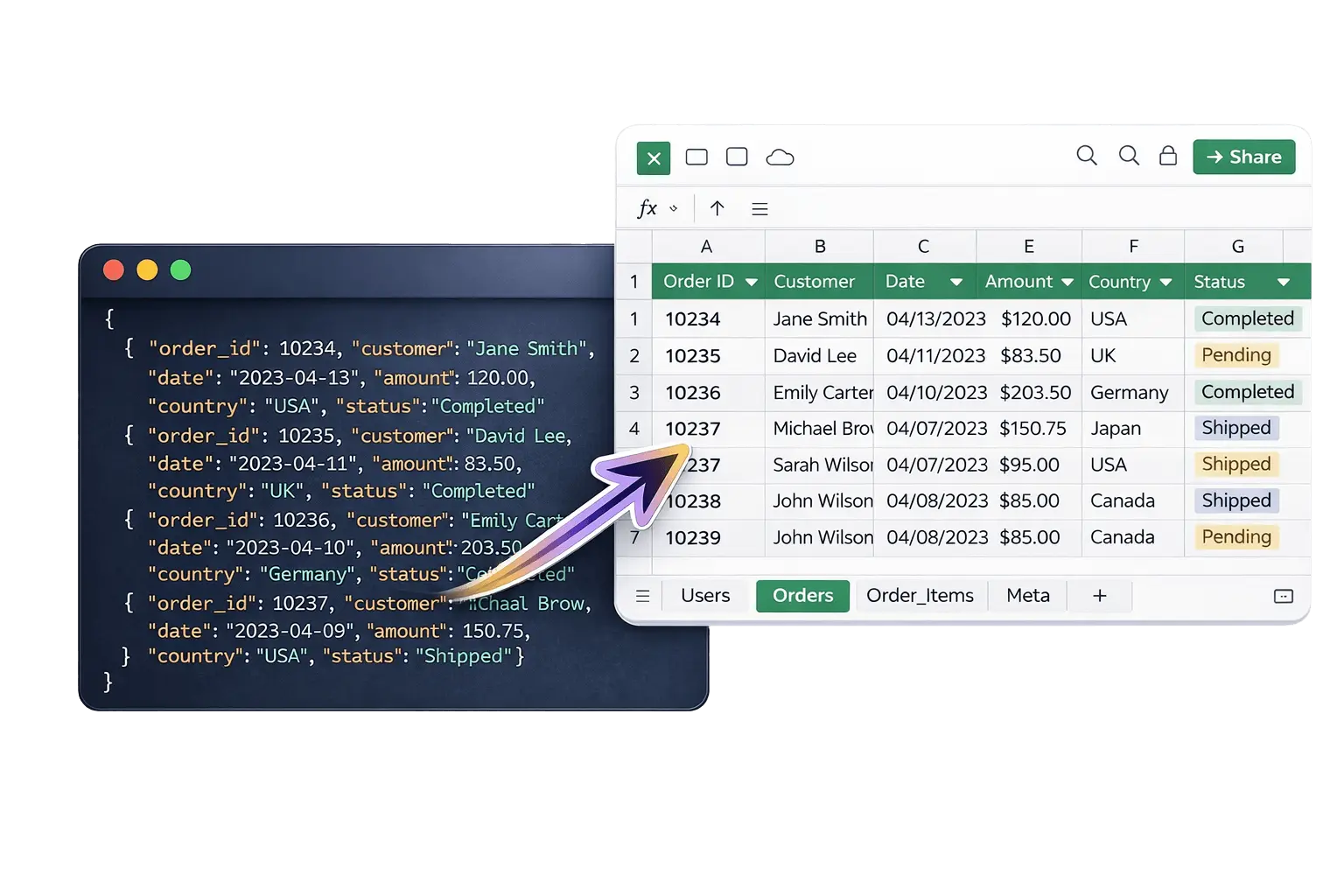
Drag any .json file or click to browse. We handle arrays, objects, and any nesting depth.
Step 1
2
Auto-Convert
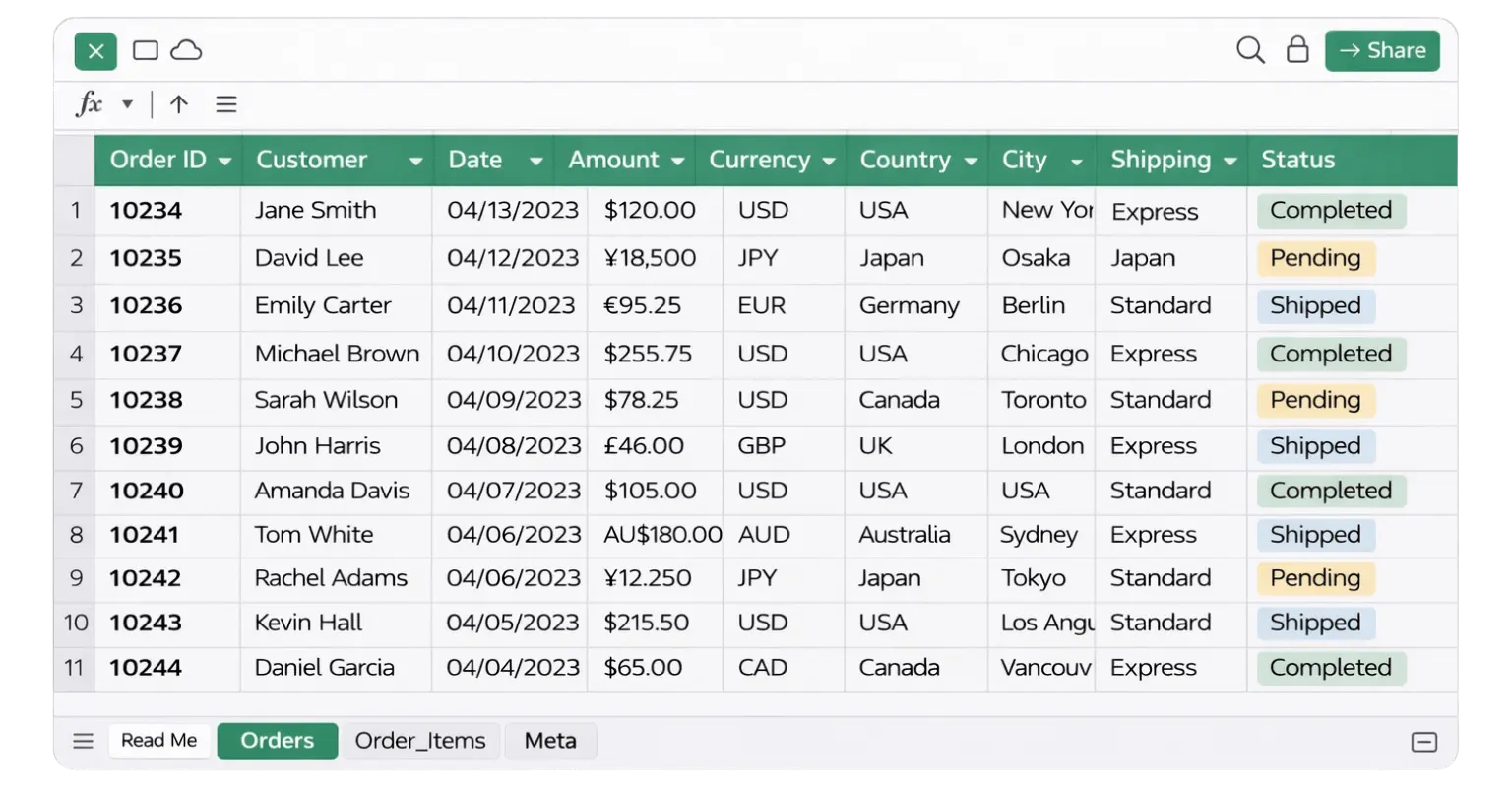
Nested arrays become separate sheets. Objects flatten into readable columns. Zero data loss.
Step 2
3
Download Excel
Get a production-ready Excel file. Multi-sheet, auto-sized columns, ready for analysis.
Step 3
FEATURES
Deep Nesting
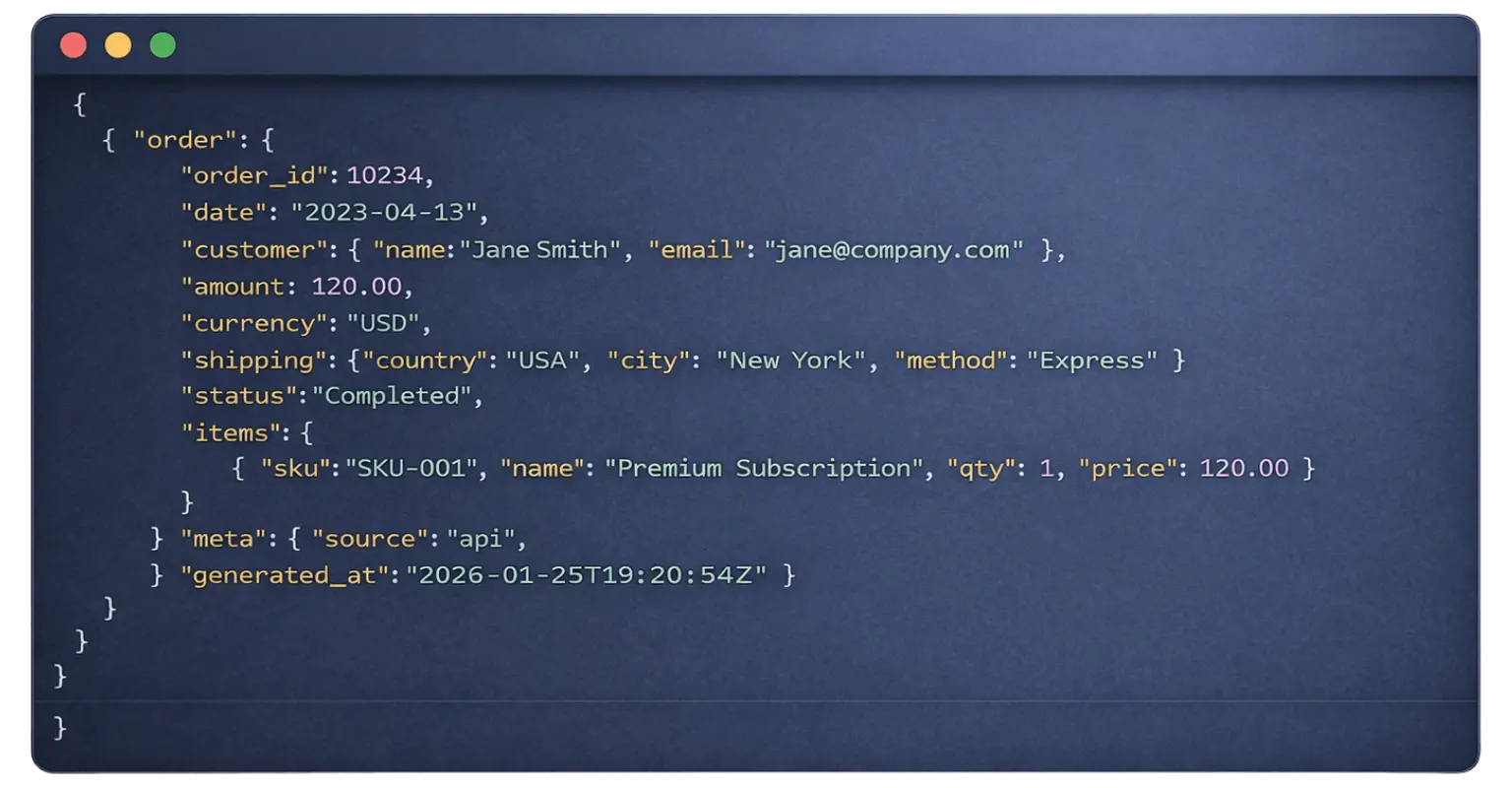
Arrays inside objects inside arrays — flattened into separate, linked sheets automatically.
Multi-Sheet Output
Each nested array becomes its own dedicated sheet with parent context and IDs preserved.
Auto-Sized Columns
Every column width calculated from actual data. No more ##### or manual resizing.
Privacy First
Your JSON is processed and immediately discarded. We never store your data.
Blazing Fast
Most files convert in under 5 seconds. Complex files under a minute.
Zero Data Loss
Every field, every value, and every nested element is fully preserved in your Excel output.
COMPARISION
We built a tool that values your time and your data. No bloat, no tracking—just a powerful conversion engine that works where you do.
QUESTIONS
Frequently Asked Questions about JSON to Excel conversion
Ready to convert? Upload your file below.
Free, instant, no signup.
Drag & drop your JSON file here
Supports .json files up to 10 MB
⚡ Optimized for large datasets and API exports.