
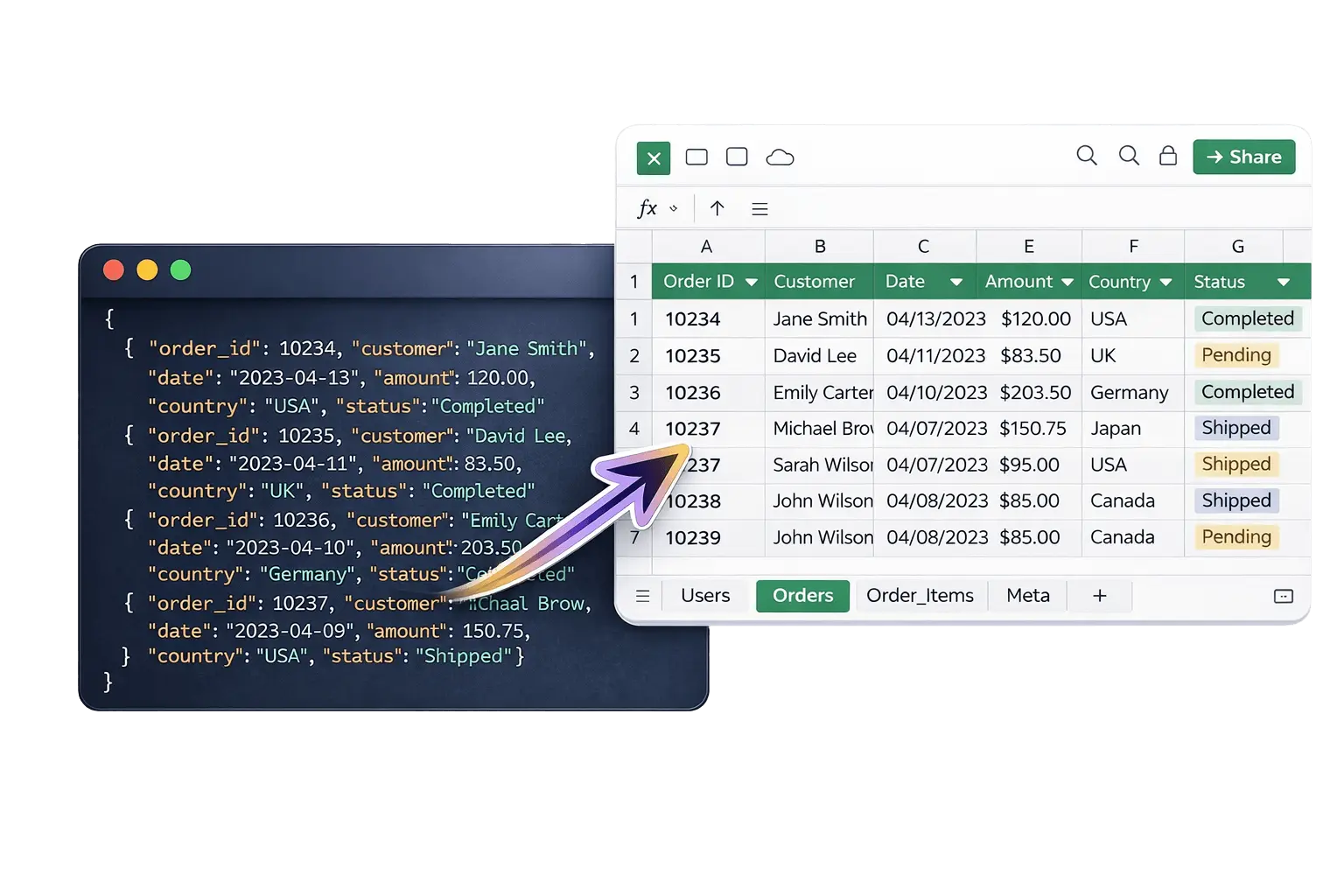
HOW IT WORKS
1
Upload JSON
Upload any JSON file — simple arrays, nested objects, or complex API exports. No formatting needed. Just drag and drop.
Step 1
2
Auto Convert
The converter automatically detects your JSON structure and converts it to Excel. Nested arrays become separate sheets. Objects flatten into columns.
Step 2
3
Download Excel
Your .xlsx file downloads instantly. Open in Microsoft Excel, Google Sheets, LibreOffice or Apple Numbers. Ready for analysis.
Step 3
QUESTIONS
Questions about converting nested JSON to Excel
How do I convert JSON to Excel online?
Upload your JSON file using the converter above. The tool automatically converts it to a multi-sheet Excel file and downloads it instantly. No signup required.
What happens to nested JSON when converting to Excel?
Nested arrays automatically become separate sheets in your Excel file. Each sheet is linked to its parent data through shared ID columns. No data is lost.
Do I need to install software to convert JSON to Excel?
No. The converter runs entirely in your browser. Nothing to install, nothing to sign up for.
Is my JSON data stored on your servers?
No. Your file is processed instantly and immediately discarded. We never store your data.
Is JSON to Excel conversion free?
Yes, completely free. No signup, no credit card, no limits on file structure complexity.
What is the maximum file size for JSON to Excel conversion?
The converter supports JSON files up to 10MB. For larger files, consider splitting them first.
What Excel format does the output use?
The converter outputs standard .xlsx format, compatible with Microsoft Excel, Google Sheets, LibreOffice and Apple Numbers.
Can I convert large or complex JSON files?
Yes. The converter handles deeply nested JSON structures, large arrays, and complex API exports up to 10MB.
Convert your JSON to Excel instantly
No signup, no software, no data stored. Just upload and download.
Drag & drop your JSON file here
Supports .json files up to 10 MB
⚡ Optimized for large datasets and API exports.