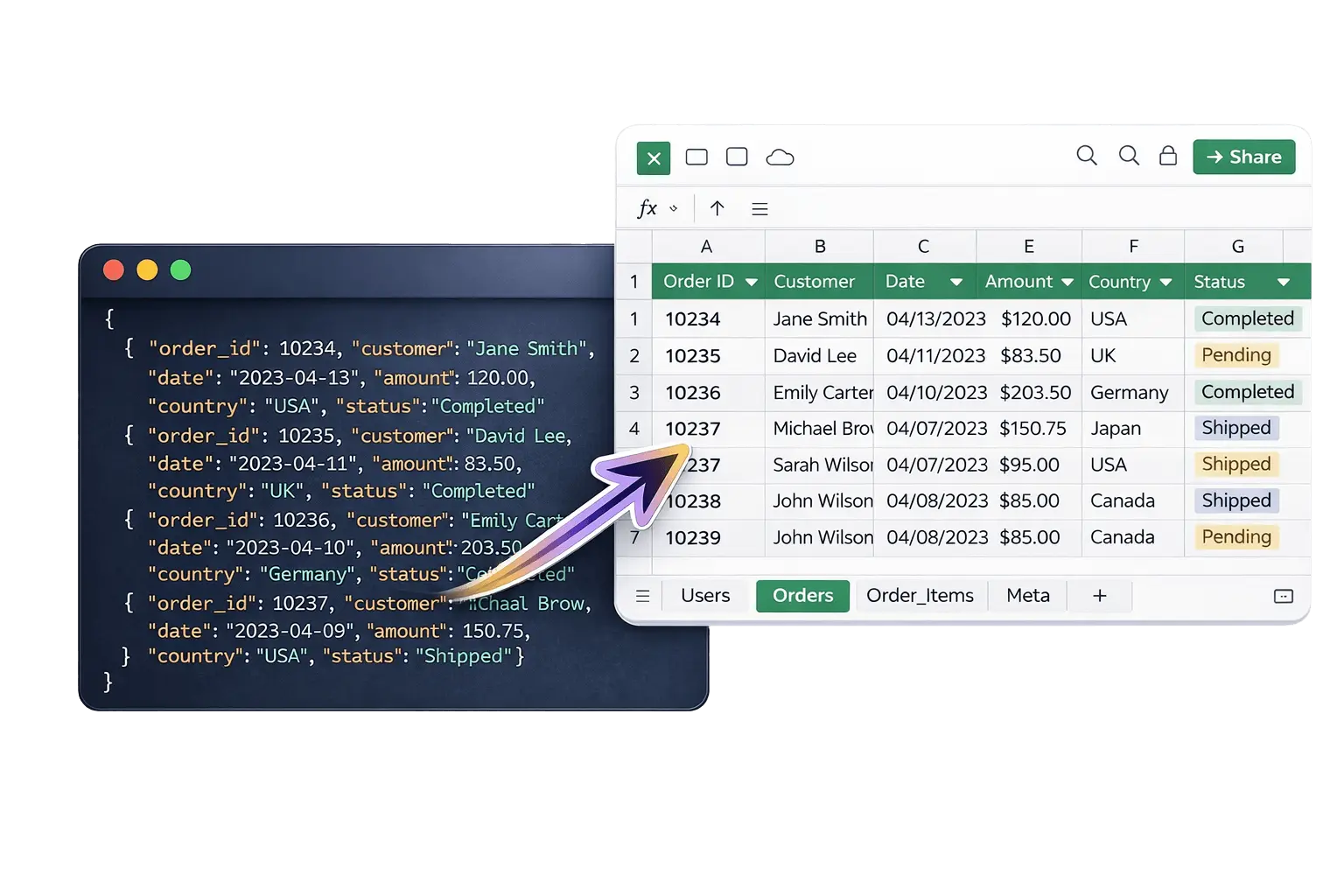
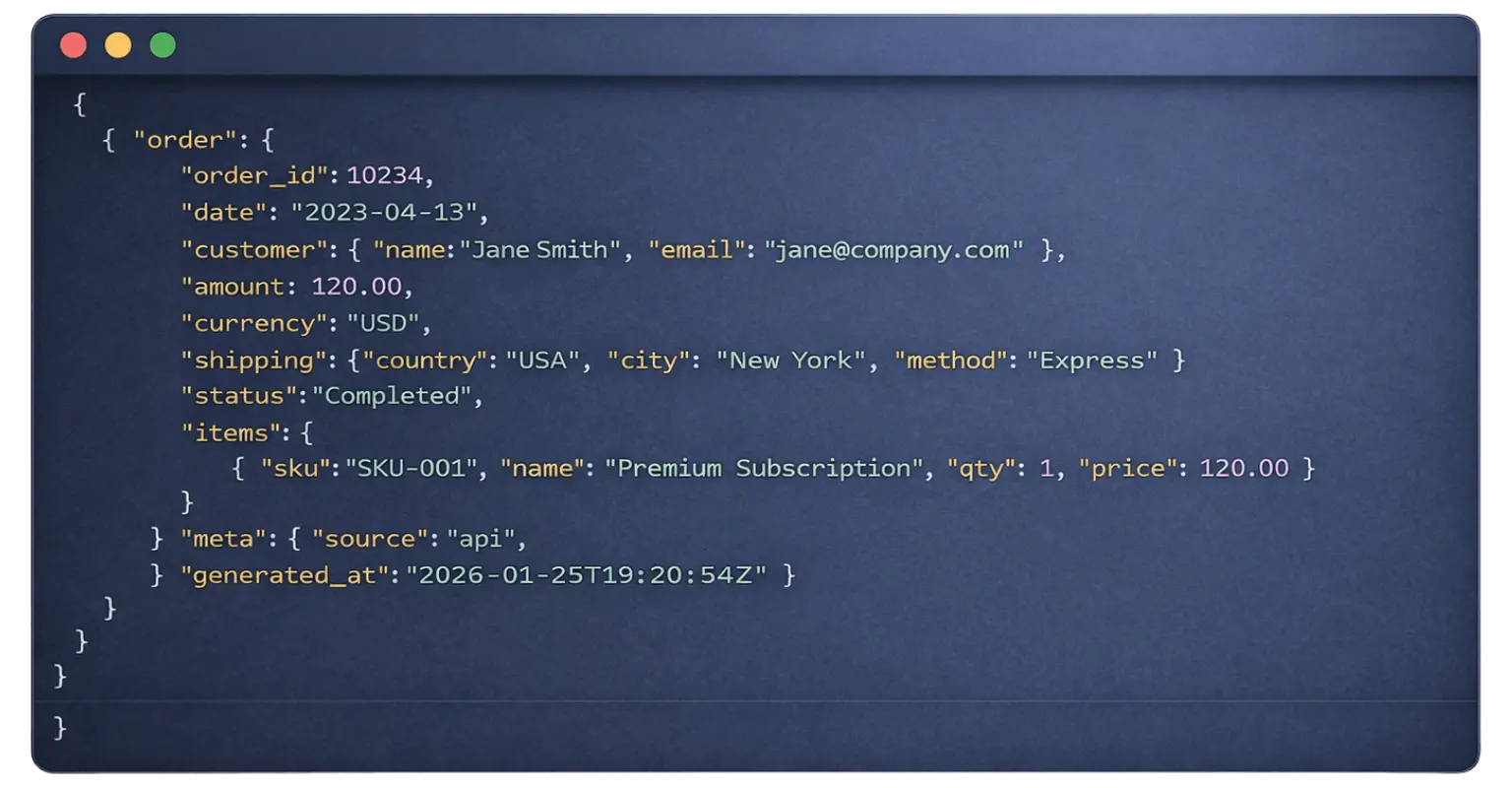
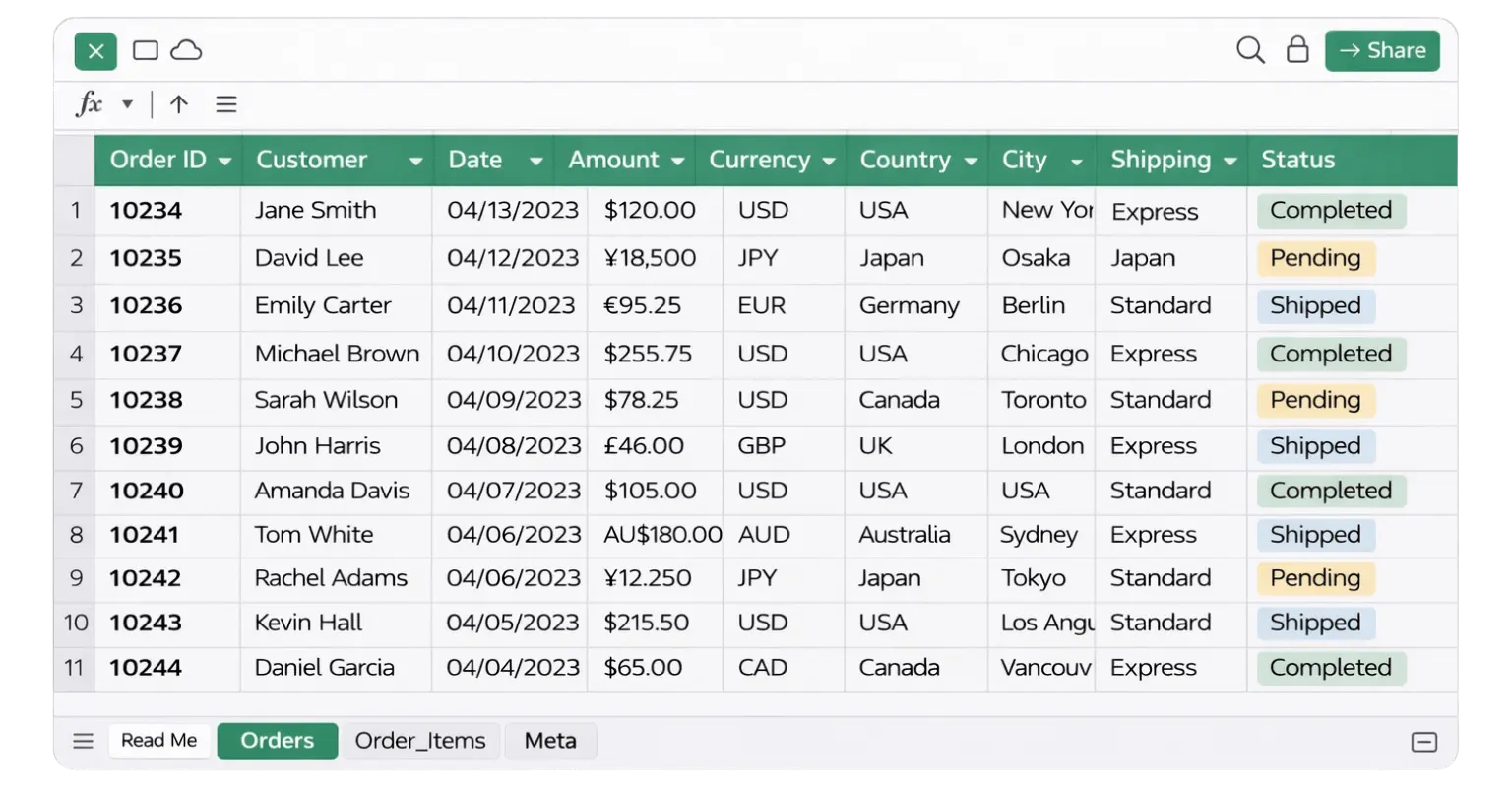
Nested JSON files are notoriously difficult to work with in Excel. Standard converters flatten everything into a single messy table, losing the relationships between your data. This converter automatically detects nested arrays and objects, splits them into separate Excel sheets, and preserves all relationships — so you get a clean, structured workbook ready for analysis.
Whether you're exporting orders from Shopify, pulling transactions from Stripe, analyzing API responses, or working with MongoDB exports — this tool handles complex nested structures that other converters simply break on.
PROCESS
1
Upload JSON
Upload any JSON file — including complex nested structures, arrays, and objects. No formatting needed.
Step 1
2
Auto-Flatten & Convert
Nested JSON is auto-flattened into structured data. Arrays are split into separate sheets, and objects become clean columns.
Step 2
3
Download Excel
Get a multi-sheet Excel file with organized data, auto-sized columns, and zero data loss — ready for analysis.
Step 3
FEATURES
Deep Nesting
Handle deeply nested JSON with arrays and objects, automatically flattened into structured Excel sheets.
Multi-Sheet Output
Each nested array is converted into separate Excel sheets, preserving structure and relationships between data.
Auto-Sized Columns
Columns are automatically adjusted based on your data, ensuring clean and readable Excel output.
Privacy First
Your JSON files are processed securely and deleted instantly after conversion. We never store your data.
Fast Conversion
Convert complex and nested JSON files in seconds, with stable performance even on larger datasets.
Zero Data Loss
All fields, values, and nested elements are preserved during conversion without breaking structure.
Developers export API responses and need to share data with non-technical teammates in Excel. E-commerce teams pull Shopify or WooCommerce order exports and need structured spreadsheets for reporting. Data analysts work with MongoDB, Firebase, or AWS exports that contain deeply nested JSON. Finance teams process Stripe or PayPal transaction data for accounting. Operations teams export Airtable or Notion databases and need clean Excel files for further processing.
COMPARISION
Most tools fail on complex JSON. Here’s why this converter handles nested data correctly.

QUESTIONS
Questions about converting nested JSON to Excel
How to convert nested JSON to Excel?
Upload your JSON file and the tool automatically flattens nested structures into structured Excel sheets.
Will nested arrays be split into multiple sheets?
Yes. Each nested array is converted into a separate Excel sheet with preserved relationships.
Does the tool flatten JSON automatically?
Yes. Nested objects and arrays are automatically flattened into readable Excel columns and sheets.
What format is the Excel file?
The output file is a standard .xlsx Excel file with multiple sheets when needed.
Can Excel open nested JSON files?
No. Excel cannot directly handle nested JSON. You need to convert it into a flat or multi-sheet format first.
Is there a JSON file size limit?
Yes. Free usage is limited to 5MB per file. Larger files may be supported in future plans.
Is my JSON data stored or saved?
No. Files are processed instantly and never stored after conversion.
Can I convert large or complex JSON files?
Yes. The tool supports deeply nested JSON and complex data structures.